Equipment Borrowing System - UCC MIS

MISLend

MISLend connects equipment browsing, QR code lookup, borrowing requests, approvals, and return tracking in one place for students, professors, and administrators.

Browse, Scan & Request

One Connected Equipment Borrowing Process

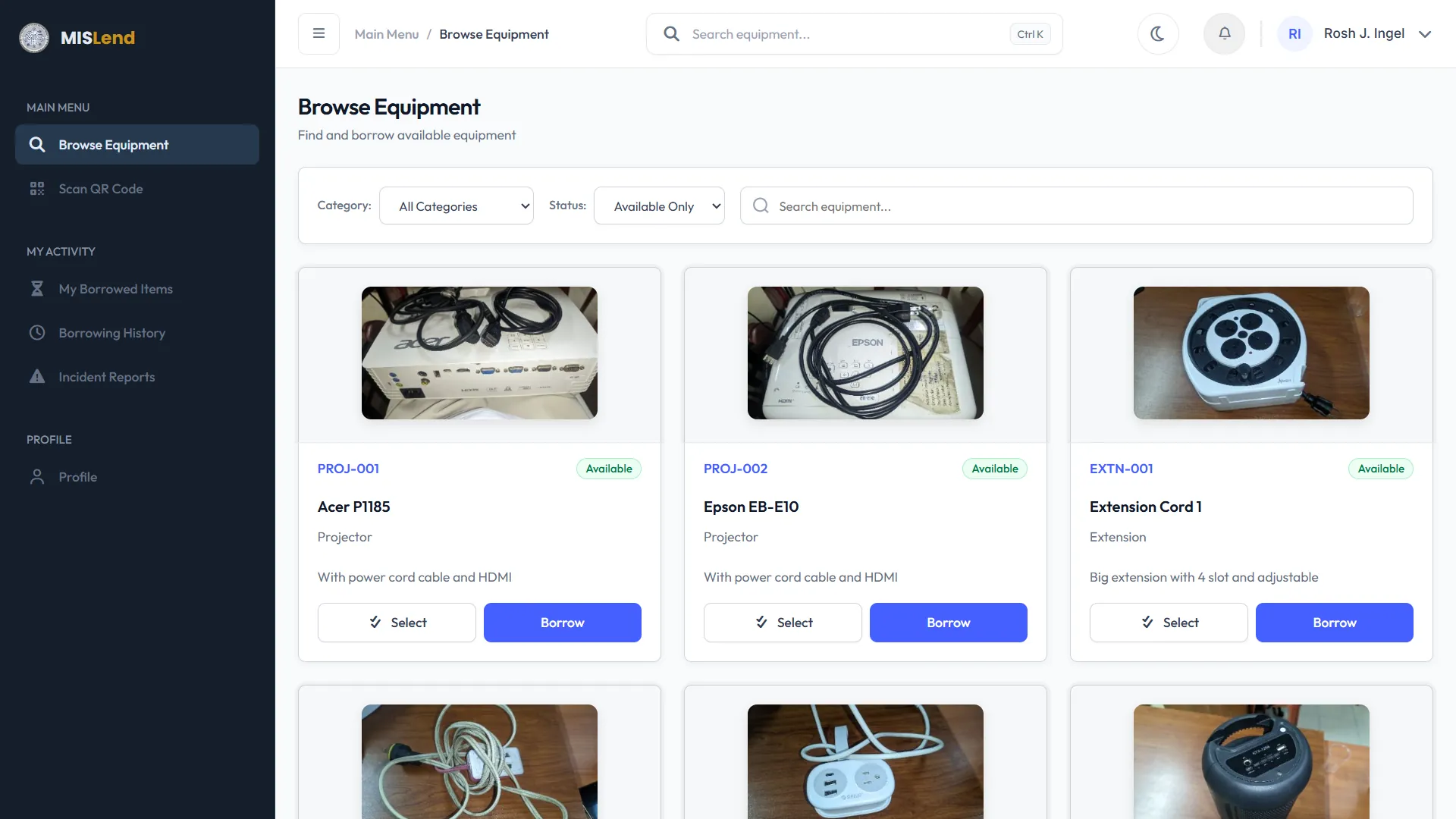
Sign in to browse the equipment catalog or scan an item's QR code to find its record. Add available equipment to your borrowing cart, provide the request details, and submit it for administrator review. Your dashboard keeps your borrowed items, requests, and history together.

Requests Sent for Review
Borrowing and Return Records
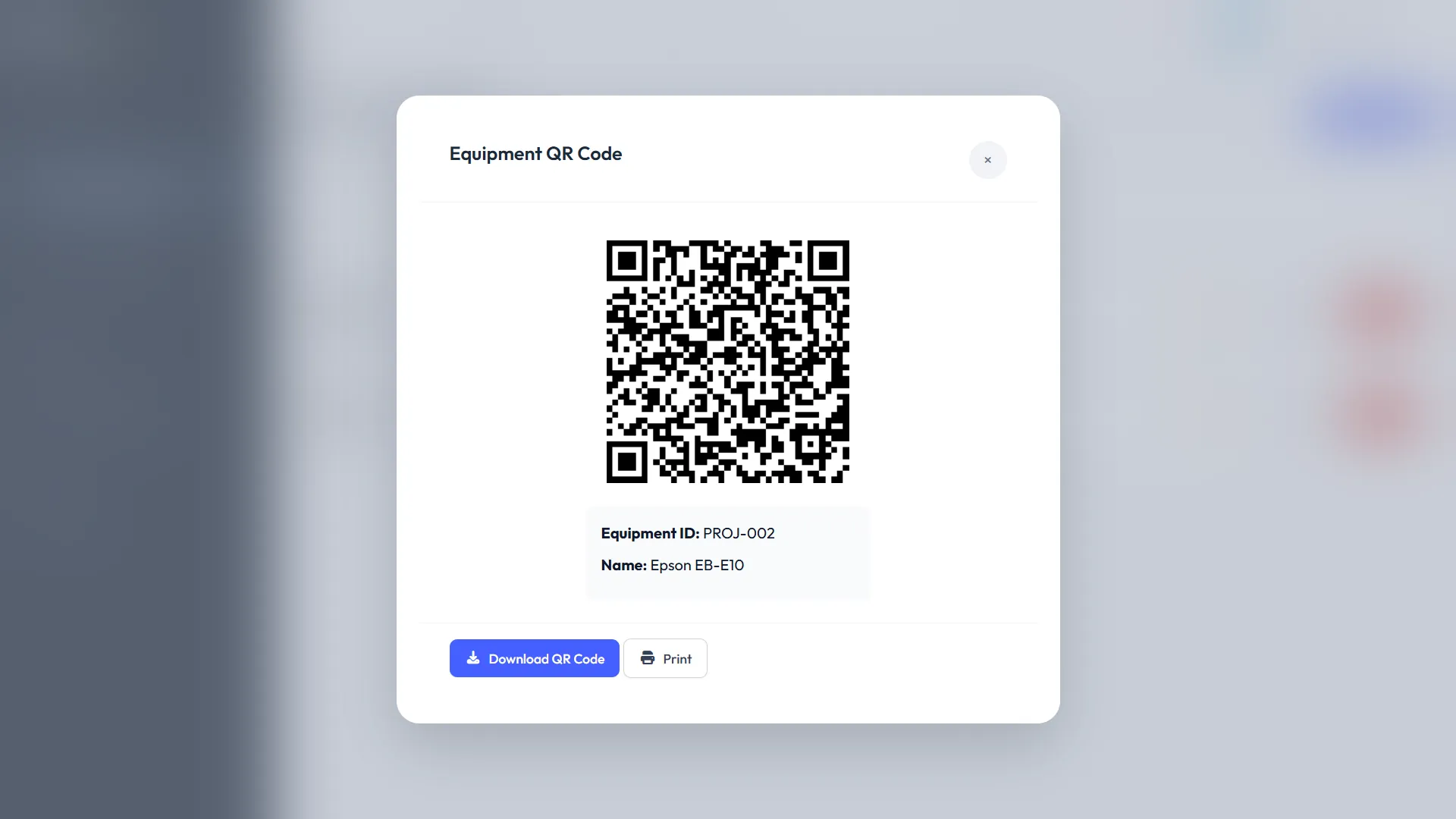
QR Equipment Lookup
Tech
Team
Shared System Records

Keep Requests, Items, and History Connected

Borrowing and return activity is recorded in MISLend and shown in the relevant user and administrator dashboards. Students and professors can review their requests, current loans, and borrowing history; administrators can manage equipment, process approvals, and review logs.

Users can also submit incident reports from their account, while administrators review and manage those reports in the system. Role-based access keeps each dashboard focused on the tasks for that role.

Why Choose MISLend

Why Use Our System?

MISLend brings the UCC MIS equipment process into one web system. Students and professors can browse equipment, look up items by QR code, submit borrowing and return requests, and review their activity. Administrators manage inventory, approvals, borrowing logs, and incident reports through a separate dashboard.

QR Code Scanning

Browse the catalog or scan an equipment QR code, add items to your cart, and submit a request for administrator review.

Equipment Status

Review equipment records and availability in the system, then check your own requests and borrowed items from your dashboard.

Accountability & Logs

Borrowing and return activity is recorded in user history and administrator logs to support clear review of equipment transactions.
Students
Start Your Journey

Start Borrowing Equipment

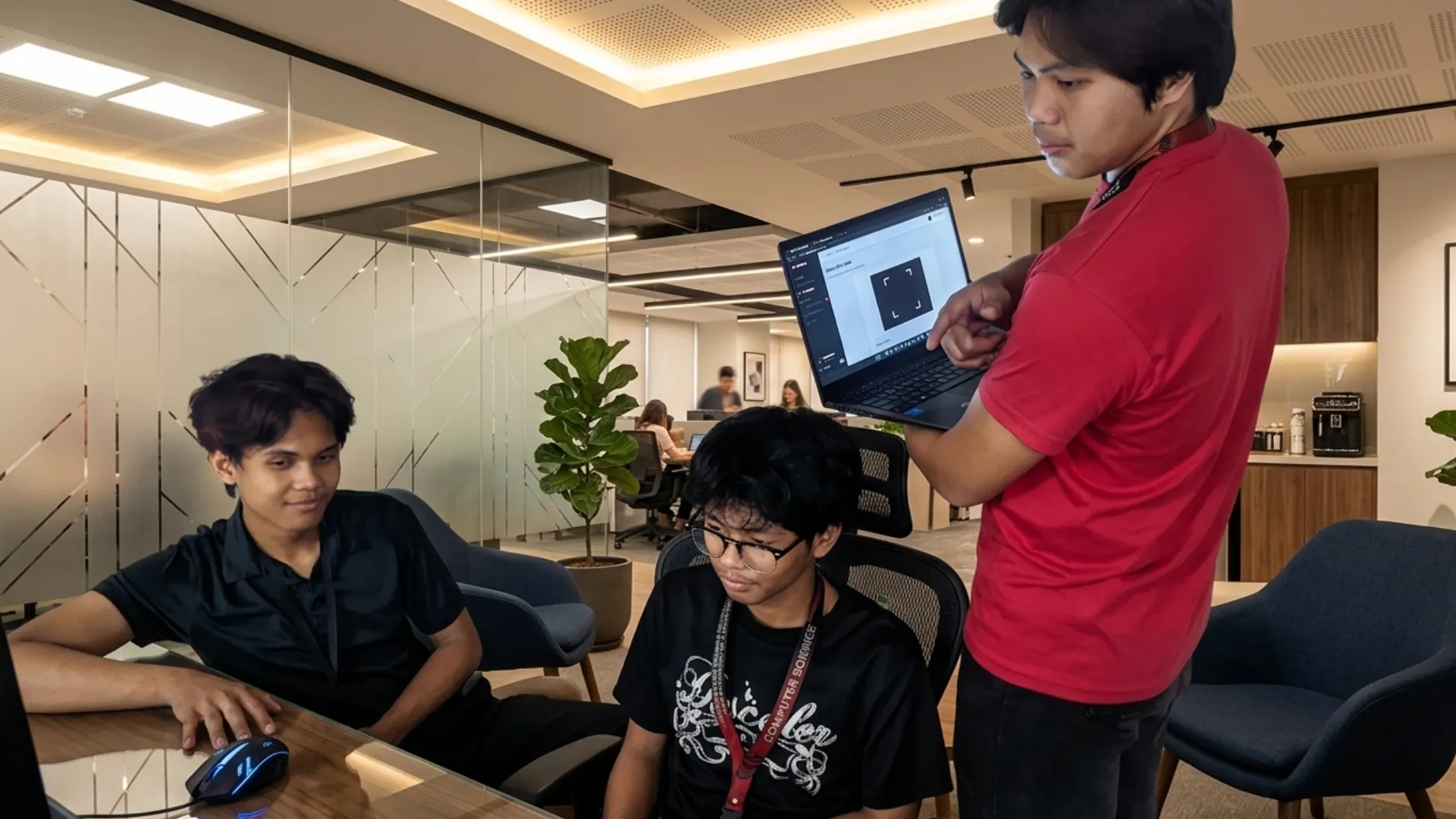
UCC MIS students and professors can use MISLend to find classroom equipment and submit borrowing requests through their account. Requests and active loans remain available in their dashboard.

Sign in to browse the catalog, scan equipment QR codes, manage your borrowing cart, and review request updates and borrowing history.

Frequently Asked Questions

Everything you need to know about our borrowing process

×
1

Who can borrow equipment?

Only currently enrolled UCC MIS students and verified faculty members can use MISLend.

2

How long can I keep an item?

Standard items like projectors and cables can be borrowed for the duration of a single class block (typically 2-3 hours).

3

What happens if I return equipment late?

Late returns are flagged in the system. Accumulating records of overdue returns may lead to temporary suspension of your borrowing privileges.

4

Do I need an ID?

Yes. Presenting your valid UCC Student or Faculty ID to the admin is required upon picking up the equipment.